Console applications sometimes need to detect when they are closing to perform cleanup. Console.CancelKeyPress lets you register a callback when the user presses Ctrl+C or Ctrl+Break. This event can prevent the application from closing immediately, giving you a few seconds to clean up before actually terminating. This post shows how to use Console.CancelKeyPress to create a CancellationToken that cancels ongoing asynchronous operations.
Program.cs (C#)
public class Program
{
    public static async Task Main(string[] args)
    {
        using var cts = new CancellationTokenSource();
        Console.CancelKeyPress += (sender, e) =>
        {
            // We'll stop the process manually by using the CancellationToken
            e.Cancel = true;

            // Change the state of the CancellationToken to "Canceled"
            // - Set the IsCancellationRequested property to true
            // - Call the registered callbacks
            cts.Cancel();
        };

        await MainAsync(args, cts.Token);
    }

    private static async Task MainAsync(string[] args, CancellationToken cancellationToken)
    {
        try
        {
            // code using the cancellation token
            Console.WriteLine("Waiting");
            await Task.Delay(10_000, cancellationToken);
        }
        catch (OperationCanceledException)
        {
            Console.WriteLine("Operation canceled");
        }
    }
}
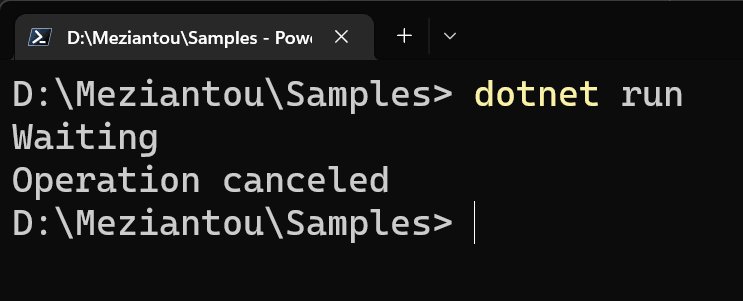
If you need to handle more cases beyond CancelKeyPress, see the post about detecting console closing in .NET, which uses the SetConsoleCtrlHandler method to detect when the console is closing.
Do you have a question or a suggestion about this post? Contact me!
