Accidentally closing a document in Visual Studio is easy to do. Instead of searching for it in Solution Explorer, you can reopen it quickly. Press CTRL+T, R (CTRL+T then R) and select the file to reopen:
 Recently closed files in Visual Studio
Use the Up and Down arrow keys to navigate the list, then press Enter to open the selected file.
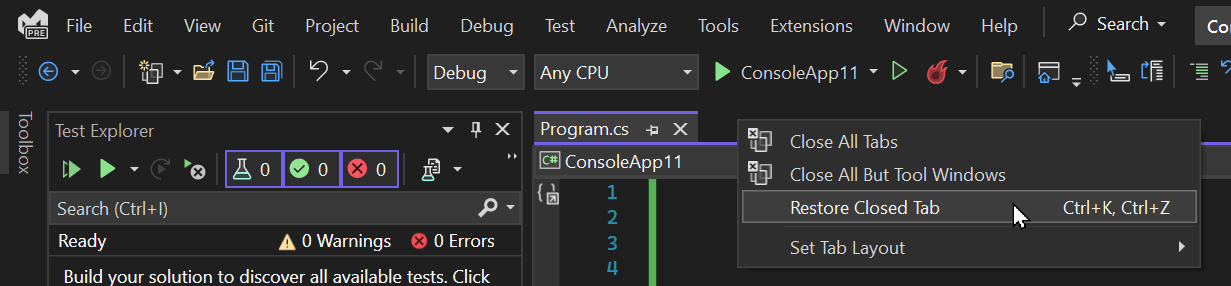
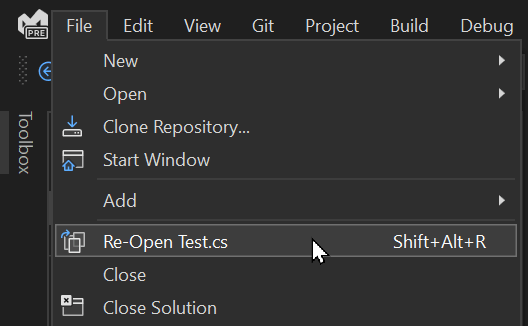
Visual Studio 2022 introduced a built-in option to reopen the last closed tab:
This post is part of the series 'Visual Studio Tips and Tricks'. Be sure to check out the rest of the blog posts of the series!
Do you have a question or a suggestion about this post? Contact me!
